


TORMACH ZA6 ROBOT
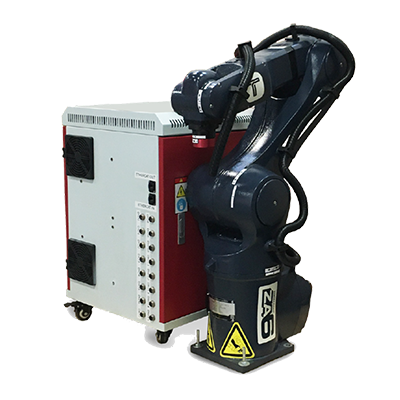
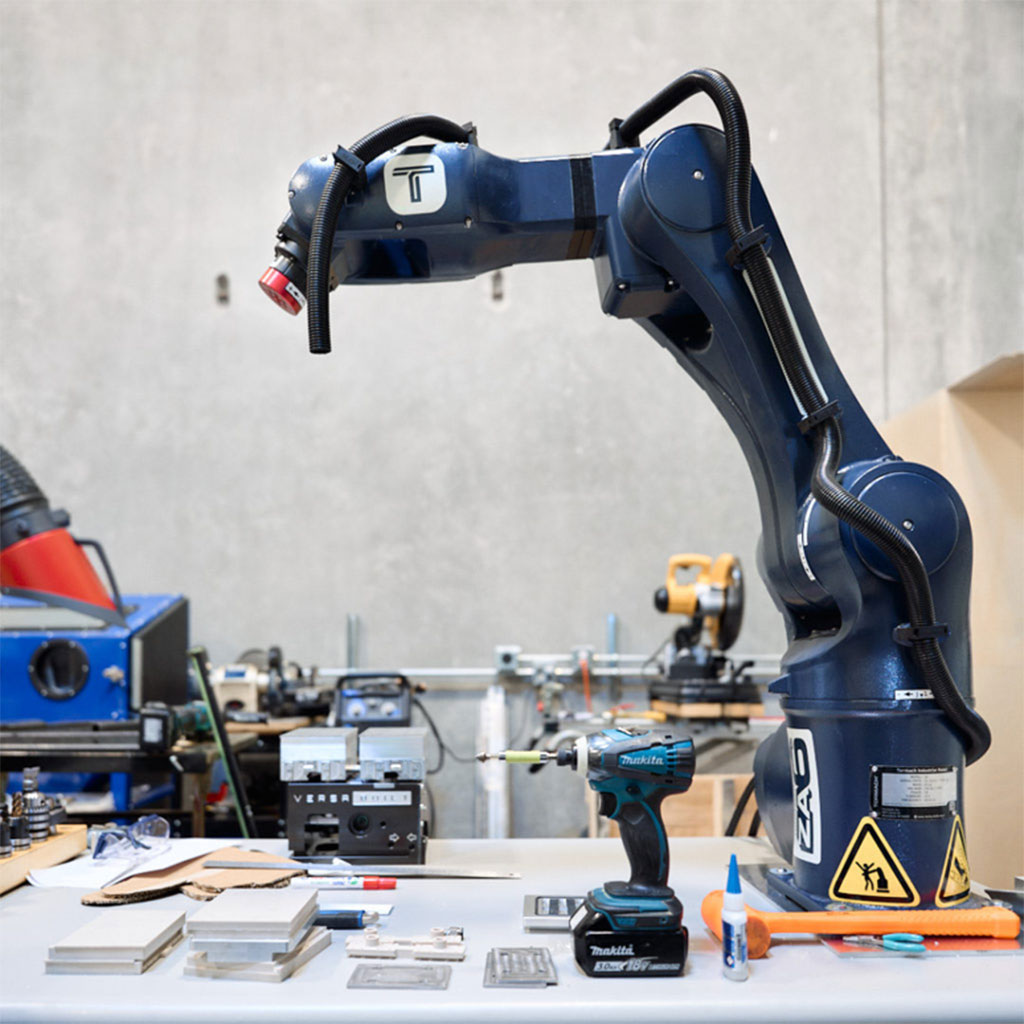
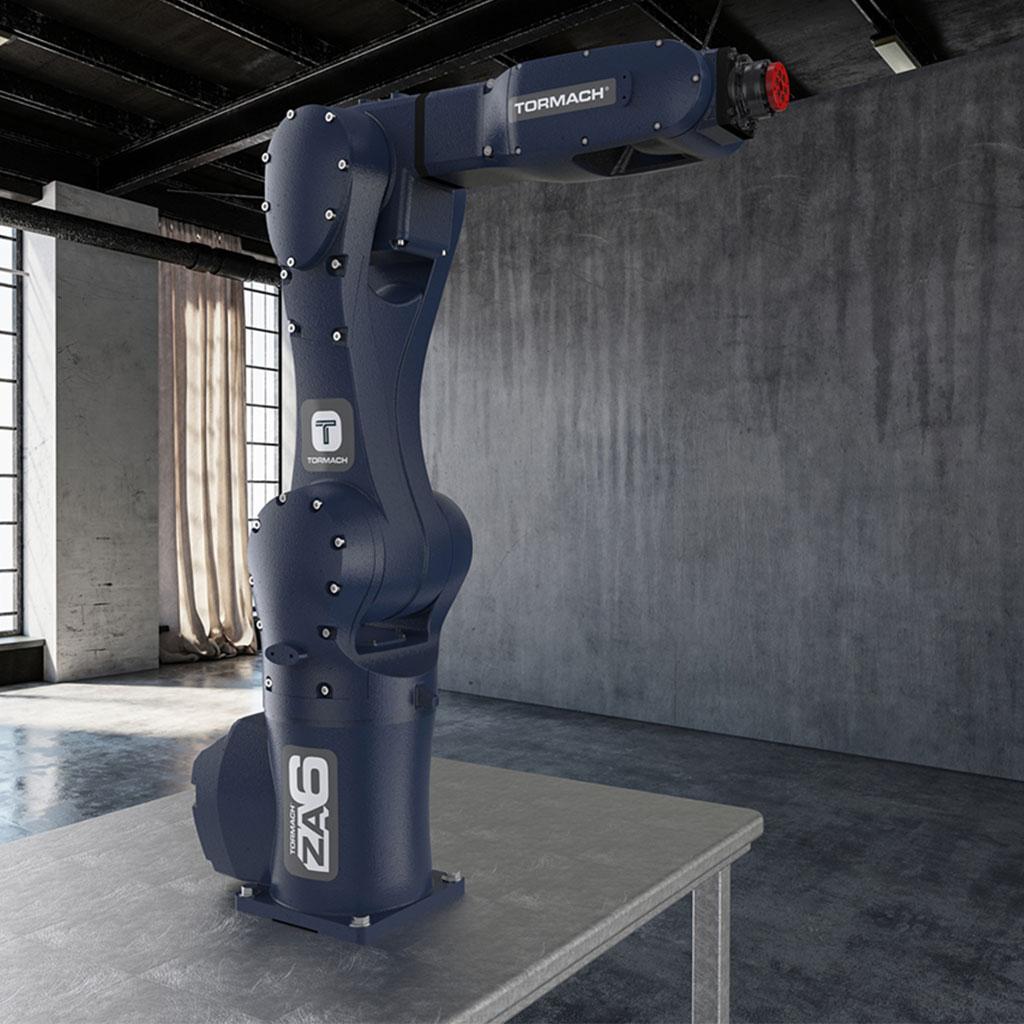
The ZA6 Robot is a 6 kg payload industrial robot that delivers affordable, easy-to-use automation for a wide range of applications.
Powered by standard single-phase electricity, the ZA6 Robot supports welding, material handling, research, and education. It also pairs with the Tormach 1500MX and 1100MX CNC mills for automated machine tending.
Simplify Industrial Robotics Education
The ZA6 Robot is intuitive enough for students to start programming within minutes, yet powerful enough to teach core industrial robotics concepts such as user frames, tool frames, move types, and pose types. With free browser-based access to PathPilot HUB, Python support, and a fully ROS-based architecture, it provides a versatile platform for education, research, and advanced robotics development.
Simplify Industrial Robotics Education
The ZA6 Robot is intuitive enough for students to start programming within minutes, yet powerful enough to teach core industrial robotics concepts such as user frames, tool frames, move types, and pose types. With free browser-based access to PathPilot HUB, Python support, and a fully ROS-based architecture, it provides a versatile platform for education, research, and advanced robotics development.
Smarter Machine Tending
Built for Tormach CNC machines, the ZA6 Robot simplifies automated machine tending through seamless integration and an easy-to-use workflow.
Smarter Machine Tending
Built for Tormach CNC machines, the ZA6 Robot simplifies automated machine tending through seamless integration and an easy-to-use workflow.
Key Features
PathPilot User Interface
- Identical layout to the PathPilot interface on Tormach CNC machines. Users and businesses familiar with Tormach mill or lathe operation will be able to learn how to create robot programs with minimal effort.
Powered by ROS (Robot Operating System)
- The most popular platform for robotics research (over 4,000 academic papers cite “ROS: an open-source Robot Operating System “(Quigley et al., 2009)).
- Vibrant community development effort – see http://downloads.ros.org/downloads/metrics/metrics-report-2020-07.pdf for detailed statistics.
Robot Programs are Written in Python
- Programs are easily created in ‘conversational’ fashion via the user interface.
- For users familiar with Python, robot programs are easy to understand and modify.
- Python users can easily extend robot programs to interact with the file system or the outside world.
- Examples
- Import time, time.sleep(.5) to delay an action 0.5 seconds.
- Import a csv file, or write out values to a csv file.
- Import usb.core, usb.util, more complex python code here to read data form a USB scale to used the robot to measure the weight of an object.
Robot Control System is Designed to Work with Other PathPilot-Controlled Equipment
- If you own a Tormach Mill or lathe, the Tormach robot will cooperate with that CNC machine with minimal setup. A simple network connection (ethernet cable) allows the robot to control which programs the CNC machine runs, when it runs them, and even allow the robot to tell the CNC machine to execute arbitrary G-code commands.
Tormach Robot Uses Robust Industrial Hardware
- The Tormach robot is an industrial tool that’s been made exceptionally easy to use. It utilizes solid metal casting, servo motors and drives, and harmonic gear reducers.
PathPilot User Interface
- Identical layout to the PathPilot interface on Tormach CNC machines. Users and businesses familiar with Tormach mill or lathe operation will be able to learn how to create robot programs with minimal effort.
Powered by ROS (Robot Operating System)
- The most popular platform for robotics research (over 4,000 academic papers cite “ROS: an open-source Robot Operating System “(Quigley et al., 2009)).
- Vibrant community development effort – see http://downloads.ros.org/downloads/metrics/metrics-report-2020-07.pdf for detailed statistics.
Robot Programs are Written in Python
- Programs are easily created in ‘conversational’ fashion via the user interface.
- For users familiar with Python, robot programs are easy to understand and modify.
- Python users can easily extend robot programs to interact with the file system or the outside world.
- Examples
- Import time, time.sleep(.5) to delay an action 0.5 seconds.
- Import a csv file, or write out values to a csv file.
- Import usb.core, usb.util, more complex python code here to read data form a USB scale to used the robot to measure the weight of an object.
Robot Control System is Designed to Work with Other PathPilot-Controlled Equipment
- If you own a Tormach Mill or lathe, the Tormach robot will cooperate with that CNC machine with minimal setup. A simple network connection (ethernet cable) allows the robot to control which programs the CNC machine runs, when it runs them, and even allow the robot to tell the CNC machine to execute arbitrary G-code commands.
Tormach Robot Uses Robust Industrial Hardware
- The Tormach robot is an industrial tool that’s been made exceptionally easy to use. It utilizes solid metal casting, servo motors and drives, and harmonic gear reducers.
Intuitive Robot Control
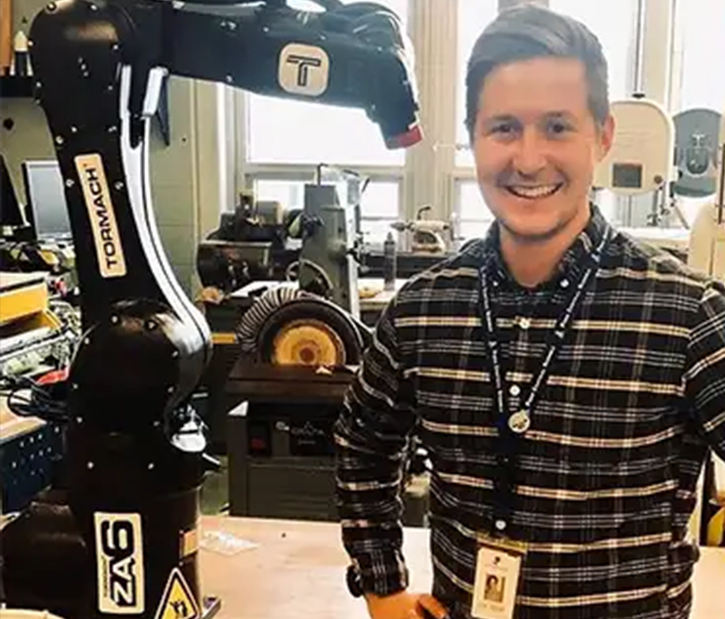
“Unbelievable! 30 minutes of class time and my students were making functional robot programs.” – Leif Sorgule, Technology & Engineering Teacher at Peru Central High School on setting up and teaching his students how to use a ZA6 Robot in their class.
Learn to program the ZA6 with Tormach’s intuitive, open-source PathPilot® software. Backed by training videos, technical support, and a knowledgeable user community, it’s designed to make industrial robotics more accessible.
Intuitive Robot Control
“Unbelievable! 30 minutes of class time and my students were making functional robot programs.” – Leif Sorgule, Technology & Engineering Teacher at Peru Central High School on setting up and teaching his students how to use a ZA6 robot in their class.
Learn to program the ZA6 with Tormach’s intuitive, open-source PathPilot® software. Backed by training videos, technical support, and a knowledgeable user community, it’s designed to make industrial robotics more accessible.
Robotics Research Platform
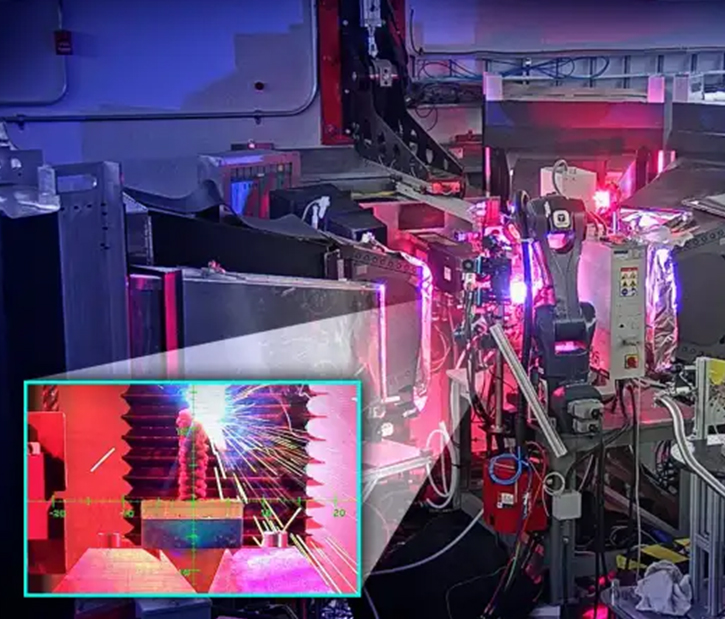
Built on ROS, Tormach’s PathPilot® robot control system provides open API access to real-time system variables at up to 1 kHz. With publicly available code on GitHub, the ZA6 Robot offers an open platform for robotics research, development, and advanced ROS applications.
Robotics Research Platform
Built on ROS, Tormach’s PathPilot® robot control system provides open API access to real-time system variables at up to 1 kHz. With publicly available code on GitHub, the ZA6 Robot offers an open platform for robotics research, development, and advanced ROS applications.
ZA6 Installation Walkthrough
ZA6 Installation Walkthrough
| TECHNICAL SPECIFICATIONS | |
|---|---|
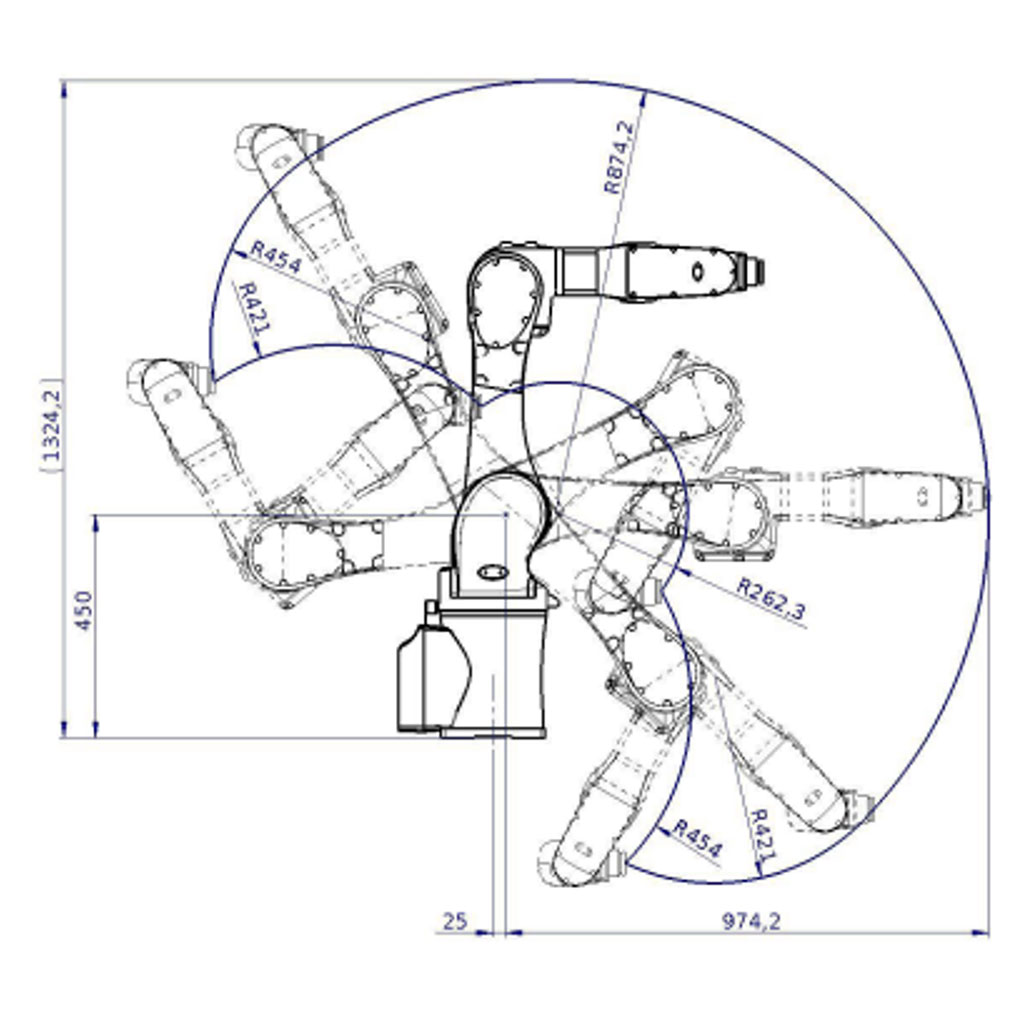
| Machine Specifications | Weight: 146 lbs (65 kg) Payload: 13 lbs.(6 kg) Reach: 38 in.(975 mm) Flange Bolt: 6 bolts (M4) Control Box: 26 in. × 32 in. × 14 in.(650 mm × 820 mm × 360 mm) Digital Inputs: 16 (14 user inputs, 2 dedicated safety inputs) Digital Outputs: 16 |
| Joint Ranges and Speeds | Joint 1: Range: ±148° Speed: 150° s-1 Joint 2: Range: +135° to -100°Speed: 112.5° s-1 Joint 3: Range: +65° to -210° Speed: 150° s-1 Joint 4: Range: ± 149° Speed: 204.5° s-1 Joint 5: Range: ± 143° Speed: 225° s-1 Joint 6: Range: ± 360° Speed: 225° s-1 |
| Repeatability | ± 0.020 in (0.5 mm) |
| Power | I/O POWER SUPPLY: 24 Volt 2 Amp POWER SUPPLY: 200 - 240 Vac, 50 - 60 Hz Single-Phase Power |
| Noise | Comparatively noiseless |
| IP Classification | IP65 |
| Programming | Teachmode programming through PathPilot GUI,Python |
Bring Tormach to your workplace, Ask for a consultation today.
Talk to our experts via Online consultation and request for a demo